

 Sprawdzenie wirusów
Aby pobrać aplikację na iPhone, zeskanuj ten kod QR.
Jak poprawnie zainstalować aplikację na iPhone?




Prywatność aplikacji
Praktyki prywatności mogą się różnić w zależności od takich czynników, jak Twój wiek, używane funkcje lub inne czynniki. Więcej
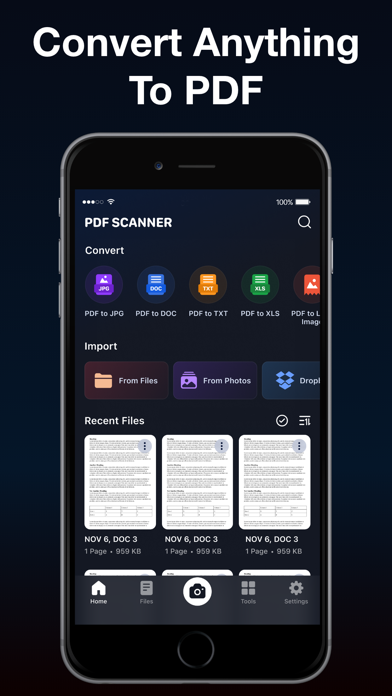
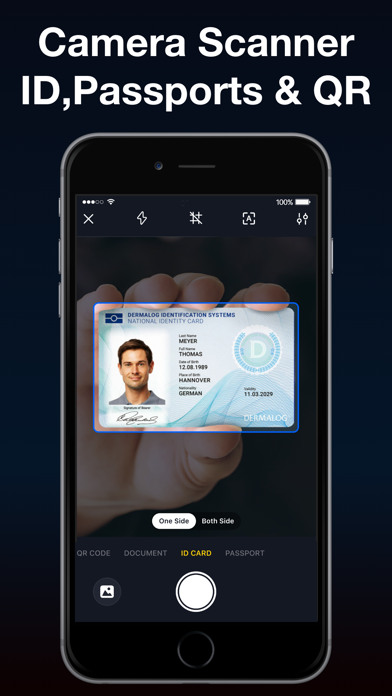
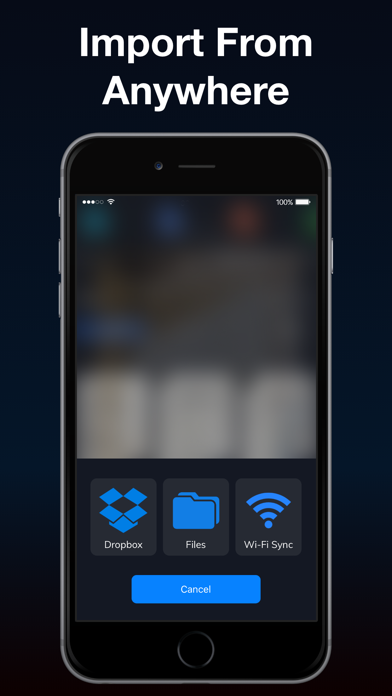
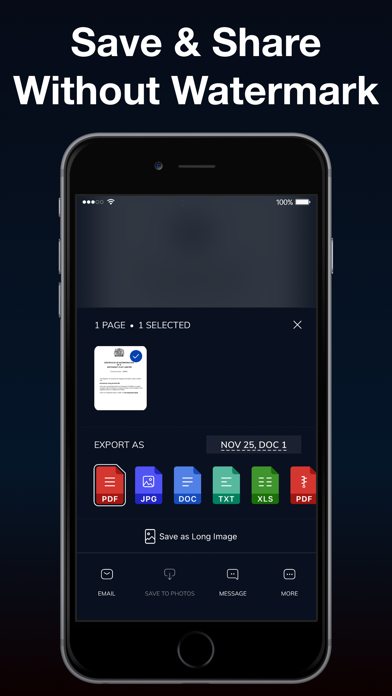
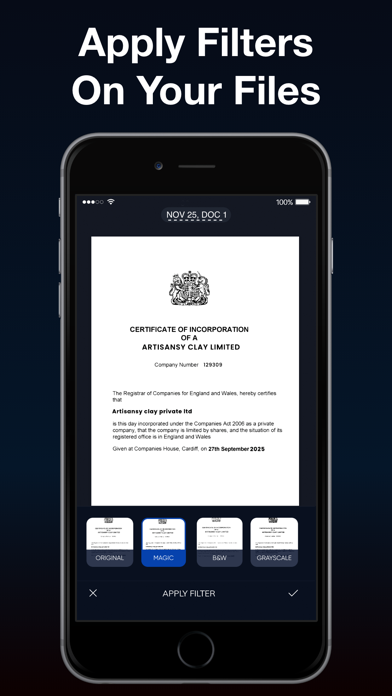
Experience the true power of a portable document scanner on the fly through this PDF Scanner app for iPhone. Digitally archive important documents by scanning receipts, invoices, books, contracts, business cards and convert them into multipage PDFs. The intelligent OCR technology of this app recognizes texts from any scannable images with pinpoint accuracy. Create and combine multiple photos to create a PDF and add electronic signatures in just a few steps. Key Features of PDF Scanner: - Support for scanning with camera flashlight in low-light - Import images via Photo Library, Dropbox, and WiFi sync - Crop, apply filters, correct or change the orientation of the scanned copies - Inbuilt OCR technology for text recognition and extraction - Electronic signature support - Scan and export documents as JPG or PDF - Share scanned documents via Mail, iMessage, and more in just a few steps Document Scanner This document scanner app already features a smart algorithm for accurate edge detection and low-light scanning. For further improved scanning results, you can manually edit borders, orientation, and even apply filters. Advanced OCR Scanner Optical Character Recognition (OCR) technology lets users accurately scan any words from digital images and make them editable. Extract texts with OCR and save the whole document as a TXT file. You can also select a specific portion of the text and cut, copy or share it. Scan and Merge Images PDF Scanner app sports multiple ways to scan a file. Scan with your camera or directly from Photo Library or import photos from the cloud storage. Also, merge multiple images effortlessly to create a single PDF. This is the perfect PDF scanner and maker app for iPhone to complement your personal and small businesses. Cloud Import For the user's convenience, the PDF Scanner app for iPhone allows you to directly select pictures from the cloud, such as Dropbox. It's truly a comprehensive portable document scanning experience. Digital Electronic Signature Add personal electronic signatures to all the scanned files anytime you need. This is one of the best scanning apps for iPhone to scan and save digital versions of documents for everyday use. Keep Files Organized To easily keep all the scanned documents and papers organized, the scanner app lets the users create unlimited folders. Label the folders according to your needs and never lose track of the important scanned files. Auto-Renewable Subscription Terms: Subscribe to get unrestricted access to all the features outlined above. • Subscription Length: Weekly, Yearly • Subscription with a free trial period will automatically renew to a paid subscription unless it is canceled at least 24 hours before the end of the trial period. • Payment will be charged to iTunes Account at confirmation of purchase. • Your Apple ID account will be charged for renewal within 24 hours before the end of the trial period. • You can manage and cancel your subscriptions by going to your account settings on the App Store. • Any unused portion of a free trial period, if offered, will be forfeited when the user purchases a subscription to that publication, where applicable. • By signing up for this subscription, you agree to our Terms of Use and Privacy Policy. Terms of Use: https://www.applavia.com/legal/pdfscanner/terms.html Privacy Policy: https://www.applavia.com/legal/pdfscanner/privacy.html Disclaimer: This app is free to download, but you will be required to sign-up for an auto-renewing subscription to access the app's full functionality.
1.4.8
21/08/2025
[Fixes] • Bug fixes and performance improvements.
| Nazwa aplikacji: | PDF24: Photos to PDF |
| Aktualna wersja: | 1.4.8 |
| Wydanie aplikacji: | 05-17-2021 |
| Nazwa pakietu: | com.applavia.scanner |
| Opinie: | 301 |
| Ocena: | 4.6 |
| Cena (zakupy w aplikacji): | Bezpłatne |
| Deweloper: | Cleaner LLC |
| Strona dewelopera: | https://www.applavia.com |
| Kategoria: | Business,Productivity |
| Dostępne języki: | EN, DE, JA, PL, ZH, ES |
| Obsługiwane urządzenia: | iPhone5s-iPhone5s, iPadAir-iPadAir, iPadAirCellular-iPadAirCellular, iPadMiniRetina-iPadMiniRetina, iPadMiniRetinaCellular-iPadMiniRetinaCellular, iPhone6-iPhone6, iPhone6Plus-iPhone6Plus, iPadAir2-iPadAir2, iPadAir2Cellular-iPadAir2Cellular, iPadMini3-iPadMini3, iPadMini3Cellular-iPadMini3Cellular, iPodTouchSixthGen-iPodTouchSixthGen, iPhone6s-iPhone6s, iPhone6sPlus-iPhone6sPlus, iPadMini4-iPadMini4, iPadMini4Cellular-iPadMini4Cellular, iPadPro-iPadPro, iPadProCellular-iPadProCellular, iPadPro97-iPadPro97, iPadPro97Cellular-iPadPro97Cellular, iPhoneSE-iPhoneSE, iPhone7-iPhone7, iPhone7Plus-iPhone7Plus, iPad611-iPad611, iPad612-iPad612, iPad71-iPad71, iPad72-iPad72, iPad73-iPad73, iPad74-iPad74, iPhone8-iPhone8, iPhone8Plus-iPhone8Plus, iPhoneX-iPhoneX, iPad75-iPad75, iPad76-iPad76, iPhoneXS-iPhoneXS, iPhoneXSMax-iPhoneXSMax, iPhoneXR-iPhoneXR, iPad812-iPad812, iPad834-iPad834, iPad856-iPad856, iPad878-iPad878, iPadMini5-iPadMini5, iPadMini5Cellular-iPadMini5Cellular, iPadAir3-iPadAir3, iPadAir3Cellular-iPadAir3Cellular, iPodTouchSeventhGen-iPodTouchSeventhGen, iPhone11-iPhone11, iPhone11Pro-iPhone11Pro, iPadSeventhGen-iPadSeventhGen, iPadSeventhGenCellular-iPadSeventhGenCellular, iPhone11ProMax-iPhone11ProMax, iPhoneSESecondGen-iPhoneSESecondGen, iPadProSecondGen-iPadProSecondGen, iPadProSecondGenCellular-iPadProSecondGenCellular, iPadProFourthGen-iPadProFourthGen, iPadProFourthGenCellular-iPadProFourthGenCellular, iPhone12Mini-iPhone12Mini, iPhone12-iPhone12, iPhone12Pro-iPhone12Pro, iPhone12ProMax-iPhone12ProMax, iPadAir4-iPadAir4, iPadAir4Cellular-iPadAir4Cellular, iPadEighthGen-iPadEighthGen, iPadEighthGenCellular-iPadEighthGenCellular, iPadProThirdGen-iPadProThirdGen, iPadProThirdGenCellular-iPadProThirdGenCellular, iPadProFifthGen-iPadProFifthGen, iPadProFifthGenCellular-iPadProFifthGenCellular, iPhone13Pro-iPhone13Pro, iPhone13ProMax-iPhone13ProMax, iPhone13Mini-iPhone13Mini, iPhone13-iPhone13, iPadMiniSixthGen-iPadMiniSixthGen, iPadMiniSixthGenCellular-iPadMiniSixthGenCellular, iPadNinthGen-iPadNinthGen, iPadNinthGenCellular-iPadNinthGenCellular, iPhoneSEThirdGen-iPhoneSEThirdGen, iPadAirFifthGen-iPadAirFifthGen, iPadAirFifthGenCellular-iPadAirFifthGenCellular, iPhone14-iPhone14, iPhone14Plus-iPhone14Plus, iPhone14Pro-iPhone14Pro, iPhone14ProMax-iPhone14ProMax, iPadTenthGen-iPadTenthGen, iPadTenthGenCellular-iPadTenthGenCellular, iPadPro11FourthGen-iPadPro11FourthGen, iPadPro11FourthGenCellular-iPadPro11FourthGenCellular, iPadProSixthGen-iPadProSixthGen, iPadProSixthGenCellular-iPadProSixthGenCellular, iPhone15-iPhone15, iPhone15Plus-iPhone15Plus, iPhone15Pro-iPhone15Pro, iPhone15ProMax-iPhone15ProMax, iPadAir11M2-iPadAir11M2, iPadAir11M2Cellular-iPadAir11M2Cellular, iPadAir13M2-iPadAir13M2, iPadAir13M2Cellular-iPadAir13M2Cellular, iPadPro11M4-iPadPro11M4, iPadPro11M4Cellular-iPadPro11M4Cellular, iPadPro13M4-iPadPro13M4, iPadPro13M4Cellular-iPadPro13M4Cellular, iPhone16-iPhone16, iPhone16Plus-iPhone16Plus, iPhone16Pro-iPhone16Pro, iPhone16ProMax-iPhone16ProMax, iPadMiniA17Pro-iPadMiniA17Pro, iPadMiniA17ProCellular-iPadMiniA17ProCellular, iPhone16e-iPhone16e, iPadA16-iPadA16, iPadA16Cellular-iPadA16Cellular, iPadAir11M3-iPadAir11M3, iPadAir11M3Cellular-iPadAir11M3Cellular, iPadAir13M3-iPadAir13M3, iPadAir13M3Cellular-iPadAir13M3Cellular |
| Scribd: 170M+ documents | WPS Office: PDF, Docs, Sheets | SwifDoo PDF: Read & Edit PDFs | PDF24: Photos to PDF | |
|---|---|---|---|---|
| Zaktualizowano | Sie 18, 2025 | Lip 21, 2025 | Kwi 26, 2024 | Sie 21, 2025 |
| Aktualna wersja | 15.16 | 11.35.00 | 1.7.0 | 1.4.8 |
| Ocena |
|
|
|
|
| SlideShare Downloader | SlidesPilot: AI PowerPoint | Slidey: presentation maker app | Prezentacje Google | Smallppt: AI Slides | Scribd: 170M+ documents | |
|---|---|---|---|---|---|---|
| Zaktualizowano | Maj 27, 2025 | Lis 20, 2024 | Lip 07, 2025 | Sie 25, 2025 | Lip 11, 2025 | Sie 14, 2025 |
| Aktualna wersja | 0.8 | 1.1.2 | 1.0.95 | 1.25.331.02.90 | 1.0.112 | 15.17 |
| Ocena |
|
|
|
|
|
|
Compare Slide Converters. Thumbnail Downloader.
Copyright © 2025 All Right Reserved. Privacy Policy